
Figuring out how to choose a laptop can feel really confusing. With hundreds of models available, how do you know which one is right for you? This laptop buying guide breaks down everything you need to know about what to look for when buying a laptop in 2026.
Start With Why You Need It

Before you search for the best laptops 2026 has to offer, think about how you’ll actually use your computer every day.
Are you a student taking notes and writing papers? A professional who needs to run business software? A creative person editing photos and videos? A gamer who wants smooth gameplay? Or just someone who browses the web and watches Netflix?
Your answer determines what to look for in a laptop. A student needs something lightweight with good battery life. A video editor needs serious processing power. A casual user can save money with basic specs.
Many people find it helpful to join online communities when learning how to pick a laptop.
Understanding Laptop Specs: Your Personal Laptop Finder by Specs
When you use any laptop finder by specs tool, you’ll see several key numbers and terms. Let’s break down what they actually mean.
The Processor (CPU)
The processor runs everything on your laptop. Think of it as the engine in a car. A bigger, newer engine runs faster and smoother.
In 2026, you’ll mainly see three processor brands. Intel offers Core processors from i3 (basic) to i9 (powerful). AMD makes Ryzen processors that often cost less but work just as well. Apple uses M-series chips in MacBooks that deliver amazing performance and battery life. For most people, a mid-range processor like Intel Core i5 or AMD Ryzen 5 works perfectly. You don’t need the absolute fastest chip unless you’re doing heavy video editing or gaming.
When using a laptop finder by specs, look for processors from the last two years. Older processors still work but won’t stay useful as long.
Memory (RAM)
RAM helps your laptop run multiple programs at the same time without slowing down. More RAM means smoother multitasking.
Here’s what to look for in a laptop when it comes to memory:
- 8GB RAM handles basic tasks like web browsing, email, and streaming video. It’s the minimum you should get in 2026.
- 16GB RAM is the sweet spot for most users. It easily handles work tasks, school projects, light photo editing, and even some gaming.
- 32GB RAM or more is for professionals running demanding software like video editing programs or 3D modeling tools.
This is a critical part of any laptop buying guide. Don’t cheap out on RAM. It’s hard or impossible to upgrade later in most modern laptops.
Storage Space
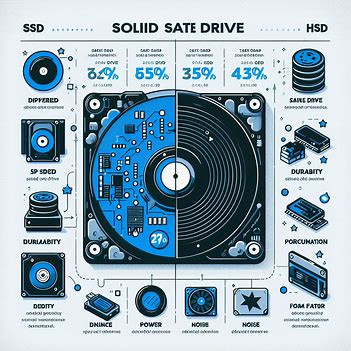
Storage is where your laptop keeps all your files, photos, programs, and operating system.
In 2026, only consider laptops with SSD (solid state drive) storage. Old HDD (hard disk drive) storage is too slow for modern use.
- 256GB SSD is the absolute minimum. It works if you store most things in the cloud and don’t install many programs.
- 512GB SSD gives you comfortable room for programs, files, and photos without constantly deleting things.
- 1TB SSD or larger is ideal if you store lots of videos, games, or work with large files.
When figuring out how to choose a laptop, remember that storage size directly affects the price. Buy what you need but don’t overpay for space you won’t use.
Screen Size and Quality
The screen affects both how portable your laptop is and how much you enjoy using it.
- 13-inch screens are super light and portable. Perfect for students and people who travel a lot.
- 15-inch screens balance portability and workspace. This is the most popular size for good reason.
- 17-inch screens give you tons of room to work but make your laptop heavy to carry around.
What to look for in a laptop screen goes beyond size. Resolution matters too. Full HD (1920×1080) should be your minimum in 2026. Sharper 2K or 4K screens look amazing but drain battery faster.
If you edit photos or videos, look for screens with good color accuracy. Terms like “100% sRGB coverage” mean the screen shows colors correctly.
Battery Life: Freedom to Work Anywhere
One of the most important things in any laptop buying guide is battery life. Nothing’s worse than your laptop dying during important work.
When learning how to pick a laptop, aim for at least 8 hours of real-world battery life. Don’t trust manufacturer claims completely. They test under perfect conditions. Real use with Wi-Fi on, screen bright, and programs running drains battery much faster. The best laptop 2026 models for battery life usually include MacBooks and Windows laptops with ARM processors. But many traditional Windows laptops now offer solid battery performance too.
Think about where you’ll use your laptop most. Always near a power outlet? Battery life matters less. Work in coffee shops or travel frequently? Long battery life becomes essential.
Keyboard and Trackpad Quality
- You’ll touch these every single time you use your laptop. A bad keyboard makes typing painful. A jumpy trackpad drives you crazy.
- This often gets overlooked in discussions about what to look for when buying a laptop, but it’s super important. If possible, try typing on the laptop in a store before buying. Keys should feel comfortable with good spacing between them. The trackpad should respond smoothly without being too sensitive.
- Some laptops have backlit keyboards that light up in dark rooms. This used to be a premium feature but now appears on many mid-priced models.
Ports and Connections
Check what ports your laptop has before you buy. You might need USB ports for flash drives, HDMI for connecting to TVs or monitors, or an SD card slot if you use a camera.
Many thin laptops only have USB-C ports now. This looks sleek but means you’ll need adapters for older devices. Make sure you’re okay with that trade-off.
For internet, Wi-Fi 6 or Wi-Fi 7 support means faster speeds. Bluetooth 5.0 or newer connects wireless headphones and other accessories smoothly.
Picking Your Operating System
Your three main choices are Windows, macOS, or Chrome OS. This is a huge part of how to choose a laptop because it affects what programs you can run.
- Windows runs on most laptops and works with almost all software. It offers the most flexibility and options at every price point. Most people learning how to pick a laptop start here.
- macOS only runs on MacBooks. It’s smooth, secure, and works great with iPhones and iPads. The downside is higher prices and less software choice.
- Chrome OS powers Chromebooks. These are simple, affordable laptops that work best if you mainly use web apps and Google services.
Choose based on what software you need. If you use an iPhone, a MacBook makes sense. If you need specific Windows programs for work or school, stick with Windows.
Setting Your Budget

The best laptops 2026 range from $300 to over $3,000. Here’s what you get at different prices:
- Under $500: Basic laptops good for simple tasks. Fine for students or as a second computer for couch browsing.
- $500-$1,000: The sweet spot where most people should shop. These laptops handle work, school, and entertainment well without breaking the bank.
- $1,000-$2,000: Premium laptops with better screens, faster performance, nicer materials, and longer battery life.
- Over $2,000: High-end machines for professionals and serious gamers who need maximum power.
Part of knowing what to look for when buying a laptop is understanding value. Don’t overspend on features you won’t use. But also don’t buy something so basic that it frustrates you every day.
Using a Laptop Finder by Specs
Many websites offer a laptop finder by specs tool. These let you filter laptops by price, processor, RAM, storage, and other features.
Here’s how to use these tools effectively when learning how to choose a laptop:
- Start by setting your budget range. This immediately cuts out options you can’t afford anyway.
- Select your minimum RAM (usually 8GB or 16GB) and storage (usually 512GB).
- Choose your preferred screen size based on whether you need portability or screen space.
- Filter by processor generation to see only newer models that will stay useful longer.
- Compare the remaining options by reading reviews and checking user ratings.
These tools make it much easier to narrow down the best laptop 2026 options for your specific needs.
Brand and Warranty Considerations
- Some laptop brands have better reputations for reliability and customer service. Dell, Lenovo, HP, Apple, and ASUS generally make solid laptops with good support.
- Always check the warranty. Most laptops come with one year, but you can usually extend it. For expensive laptops, extended warranties can be worth the extra cost.
- Read recent reviews before buying any specific model. Sometimes a brand makes great laptops overall but has issues with one particular model.
When to Buy: Timing Your Purchase
You could always wait for the next big thing, but if you need a laptop now, buy now. Technology always improves, but your current need matters more.
- The best times to find deals on the best laptops 2026:
- Back-to-school season in July and August when stores compete for student buyers.
- Black Friday and Cyber Monday in November when everything goes on sale.
- After new models launch and last year’s models get discounted to clear inventory.
- End of month or quarter when salespeople need to hit their targets.
New vs Refurbished Laptops
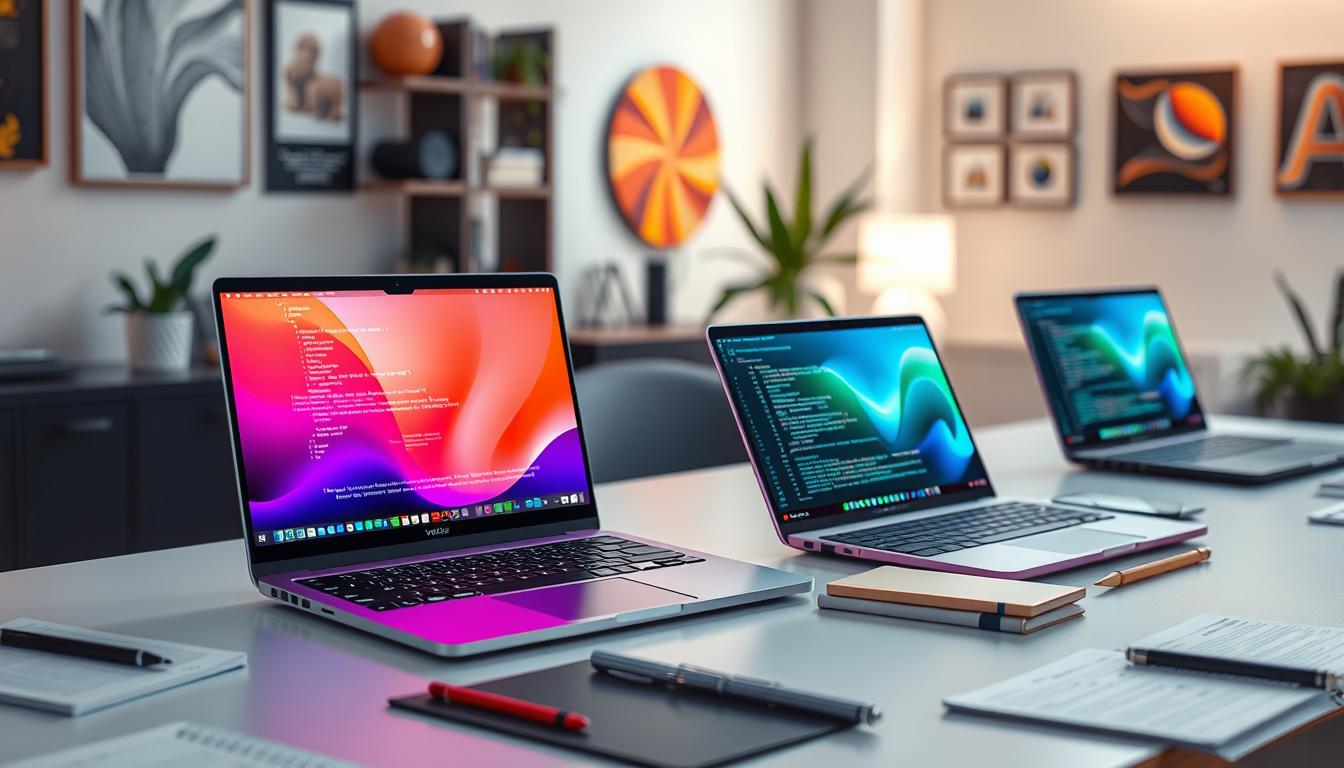
- Buying refurbished can save you 20-40% on a laptop that works like new. This is a smart option many laptop buying guides don’t mention enough.
- Stick to manufacturer-refurbished or certified refurbished from major retailers. These come with warranties and quality checks. Avoid random sellers on marketplace sites.
- Make sure any refurbished laptop includes at least a 90-day warranty. Good deals often include the full one-year warranty.
Making Your Final Decision
Once you’ve learned what to look for in a laptop and narrowed your options, do these final checks:
- Read professional reviews from trusted tech sites. They test laptops thoroughly and catch problems you might miss.
- Check user reviews to see what real people say after months of use. Pay special attention to one-star reviews that reveal deal-breaking issues.
- Compare prices across different stores. The same laptop can cost significantly more or less depending where you buy it.
- Look for student, teacher, or military discounts if you qualify. Many brands offer these year-round.
Future-Proofing Your Purchase
To keep your laptop useful for years, think ahead when deciding how to pick a laptop:
- Buy slightly more RAM and storage than you need right now. Programs keep getting bigger and more demanding.
- Choose current-generation processors rather than buying last year’s model super cheap. Newer chips are more efficient and stay relevant longer.
- Look for laptops that allow upgrades if possible. Being able to add more RAM or storage later extends the laptop’s useful life.
- Consider build quality and materials. A well-built laptop lasts longer even if it costs a bit more upfront.
laptops community
offers real advice from people who’ve recently bought laptops and can share their experiences.
Common Mistakes to Avoid

When learning how to choose a laptop, watch out for these common mistakes:
- Don’t buy based on processor speed alone. A balanced system with good RAM and SSD matters more than the fastest processor.
- Don’t assume more expensive always means better for you. The best laptop 2026 for a video editor might be terrible for a student.
- Don’t ignore battery life. Getting just 3-4 hours means you’ll always be hunting for outlets.
- Don’t forget about weight if you’ll carry it around. That 7-pound laptop seems fine in the store but gets heavy fast.
- Don’t skip reading reviews. Real user experiences reveal problems that specs don’t show.
The Bottom Line on How to Choose a Laptop
This laptop buying guide covered everything about what to look for when buying a laptop in 2026. The key is matching the laptop to your actual needs, not just buying the most powerful or cheapest option.
- Focus on these basics when figuring out how to pick a laptop:
- A decent processor from the last two years. At least 8GB of RAM, preferably 16GB. An SSD with enough storage for your files. Good battery life for your usage pattern. A comfortable keyboard and responsive trackpad. The right operating system for your software needs.
- Use a laptop finder by specs tool to narrow options by price and features. Read reviews from both professionals and regular users. Take your time with this decision.
- The best laptop 2026 for you isn’t necessarily the one with the highest specs or the lowest price. It’s the one that fits your needs, your budget, and makes your daily work or play more enjoyable.
A good laptop should last three to five years of regular use. Spend time researching now, and you’ll enjoy your choice for years to come.
What’s your biggest challenge when trying to choose a laptop? Share in the comments below!