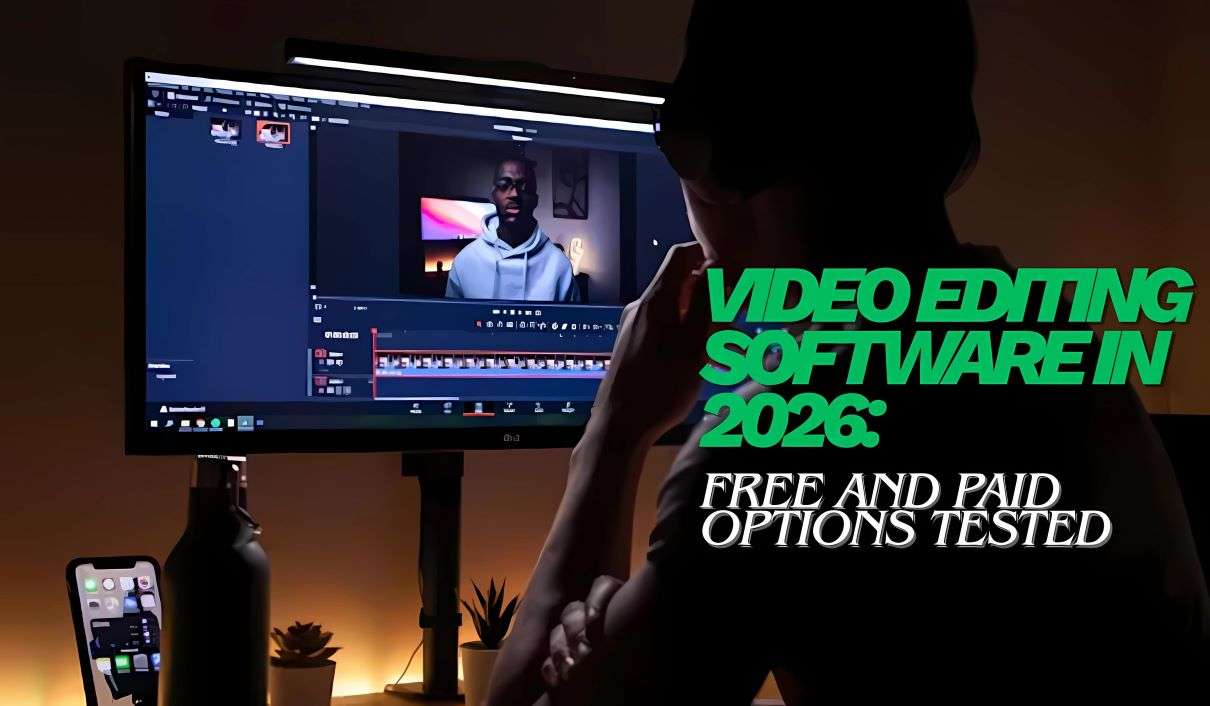
Creating compelling YouTube content requires more than just a great idea and a camera. The right video editing software can transform raw footage into polished, engaging videos that capture viewers’ attention and grow your channel. Whether you’re a complete beginner working with a tight budget or an established creator ready to invest in professional tools, choosing the right editor makes all the difference.
We spent weeks testing the most popular video editing platforms available today, evaluating them on ease of use, feature sets, rendering speeds, and overall value. Here’s what we found.
Table of Contents
Why Your Choice of Editor Matters
The editing software you choose impacts everything from your workflow efficiency to the quality of your final product. A tool that’s too complex can slow down your production schedule, while one that’s too basic might limit your creative vision as your channel grows. The sweet spot depends entirely on your current skill level, content style, and budget constraints.
For creators just starting out, intuitive interfaces and templates can help you publish consistently while you’re learning the ropes. Meanwhile, experienced editors benefit from advanced color grading, multi-camera support, and sophisticated audio tools that elevate production value.
Top Free YouTube Video Editors
DaVinci Resolve 19
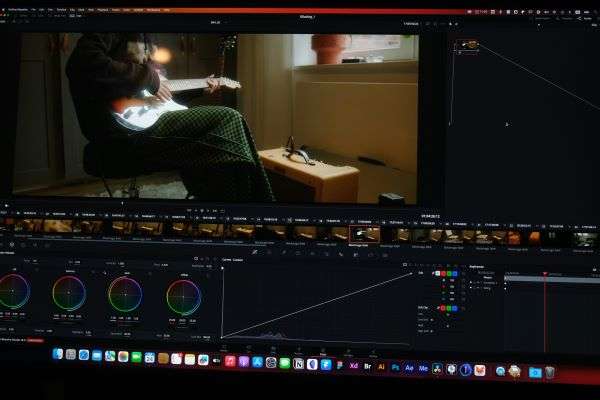
DaVinci Resolve continues to dominate the free editing space with professional-grade capabilities that rival software costing hundreds of dollars. The latest version includes powerful AI-driven features like voice isolation and automatic color matching that used to require expensive plugins.
The free version provides unlimited timeline tracks, advanced color correction panels, and Fairlight audio post-production tools. You get access to thousands of effects and transitions without watermarks or time restrictions. The catch? There’s a learning curve. Plan to invest time in tutorials before you hit your stride.
Best for creators who want professional results and don’t mind climbing a steeper learning curve. The investment in learning pays dividends as your channel scales.
CapCut Desktop
TikTok’s parent company ByteDance transformed CapCut from a mobile-only app into a surprisingly capable desktop editor. The desktop version brings intuitive timeline editing, automatic caption generation in multiple languages, and a massive library of trending effects and music.
The AI features stand out. Speech-to-text captioning works remarkably well, saving hours of manual work. Background removal happens with a single click, and the smart reframe tool automatically adjusts vertical footage for horizontal formats.
CapCut works best for creators who prioritize speed and social media optimization over advanced color work or complex compositing. The interface feels familiar if you’ve used any modern editing app, making it perfect for beginners.
Shotcut

This open-source editor delivers solid fundamentals without the bells and whistles. Shotcut supports a wide range of formats natively, offers precise timeline control, and provides essential color correction and audio mixing tools.
The interface looks dated compared to newer competitors, but don’t let that fool you. Under the hood, Shotcut handles 4K footage smoothly on modest hardware and supports professional workflows like proxy editing. It’s completely free with no catches, no watermarks, and no premium upsells.
Choose Shotcut if you value stability and straightforward editing over flashy features. It’s particularly appealing for creators who prefer open-source software or need reliable performance on older computers.
Premium Editors Worth the Investment
Adobe Premiere Pro
Premiere Pro remains the industry standard for good reason. The software integrates seamlessly with other Adobe apps like After Effects and Audition, creating a complete post-production ecosystem. Recent updates brought impressive AI tools including text-based editing that lets you cut video by editing a transcript.
The subscription model starts at around 23 dollars monthly for individuals, or you can access it through Creative Cloud bundles. You’re paying for constant updates, cloud storage, and access to Adobe Stock assets directly in the timeline.
Premiere Pro makes sense for serious creators who plan to make YouTube a significant income source. The learning resources are extensive, and knowing Premiere opens doors to professional opportunities beyond YouTube.
Final Cut Pro
Apple’s professional editor offers a one-time purchase option that looks increasingly attractive compared to subscription models. At 300 dollars, it’s a significant upfront cost, but there are no recurring fees. The software takes full advantage of Apple Silicon chips, delivering blazing fast renders and smooth playback even with complex effects.
The magnetic timeline takes some getting used to if you’re coming from other editors, but many find it speeds up their workflow once mastered. Color grading tools are excellent, motion graphics integration is seamless, and the optimization for Mac hardware is unmatched.
Final Cut Pro suits Mac users who want professional capabilities without ongoing subscriptions. It’s particularly strong for creators who shoot on iPhone and want tight integration with Apple’s ecosystem.
Filmora 13
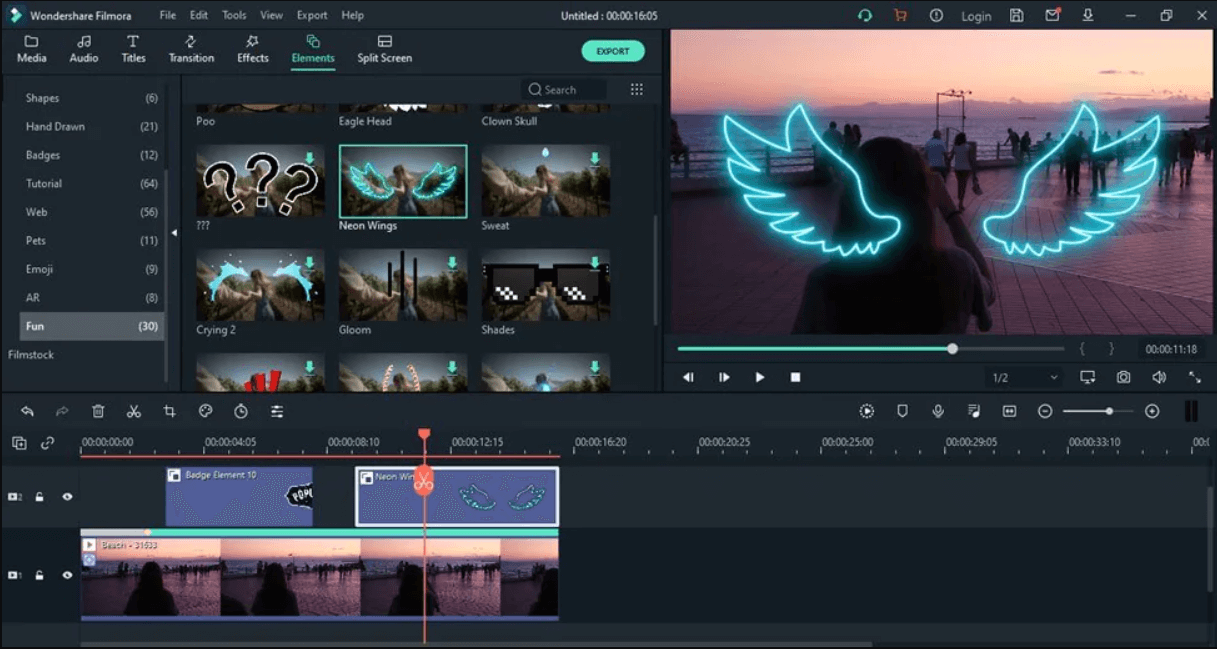
Wondershare positions Filmora as the middle ground between consumer and professional software, and it largely succeeds. The latest version balances approachability with genuinely useful features like AI copywriting for video descriptions and automatic silence removal that tightens pacing.
Pricing runs about 50 dollars annually or 80 dollars for a lifetime license. You get instant mode for quick edits, extensive effects libraries, and tools specifically designed for social media content. The interface won’t intimidate beginners, but the feature set grows with you.
Consider Filmora if you want professional-looking results without professional complexity or pricing. It’s ideal for creators who value efficiency and aren’t planning to pursue editing as a separate career path.
Making Your Decision
Your editing software should match where you are right now, not where you hope to be in three years. Starting with free options makes perfect sense, especially since tools like DaVinci Resolve offer capabilities that were professional-only territory just a few years ago.
Consider your computer’s specifications before committing. High-end editors demand substantial processing power and RAM. If your machine struggles with basic tasks, even the best software will frustrate you. Some creators find success starting with lighter tools and upgrading their hardware and software together as their channel grows.
Think about your content style too. Talking head videos with simple cuts need different tools than heavily stylized vlogs with complex effects. Gaming content often benefits from screen recording integration, while tutorial creators might prioritize annotation tools.
Learning Resources Matter
The best software is worthless if you can’t figure out how to use it effectively. When evaluating options, search YouTube for tutorials specific to your chosen editor. Popular tools have massive tutorial libraries covering everything from basic cuts to advanced techniques.
Many editors offer official certification programs or structured learning paths. These can accelerate your progress significantly compared to piecing together random YouTube tutorials. Some subscriptions even include access to learning platforms as part of the package.
The Bottom Line
You don’t need expensive software to create successful YouTube videos. Creators with millions of subscribers use everything from Final Cut Pro to CapCut. The tool matters less than your storytelling ability and understanding of what makes your audience click and watch.
Start with what you can access now. DaVinci Resolve or CapCut let you begin creating immediately without financial barriers. As your skills develop and your channel generates income, you’ll have a clearer sense of whether premium features justify premium prices for your specific workflow.
The perfect editor is the one that disappears into your creative process, letting you focus on crafting videos your audience loves rather than fighting with software. Test multiple options during your early videos to find what clicks with your brain and workflow. Your editing software should feel like an extension of your creative vision, not an obstacle to it.
Remember that consistency matters more than perfection when building a YouTube channel. Publishing regularly with good-enough editing beats waiting months to master professional-grade software. Choose tools that let you maintain momentum while gradually improving your technical skills.
The investment that matters most isn’t the software license. It’s the time you spend learning to tell compelling stories, understanding your audience, and developing your unique voice. Great editing enhances great content, but it can’t replace it.